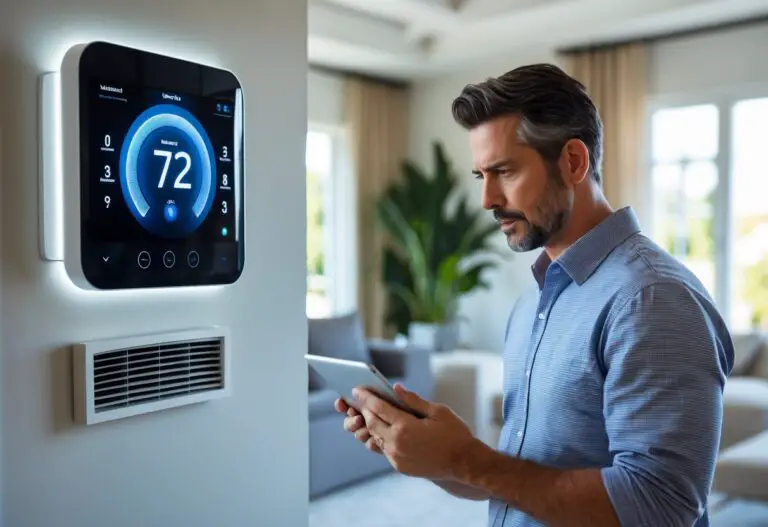

Living in an apartment shouldn’t mean settling for outdated climate control. Many renters face high energy bills and uncomfortable temperatures because they’re stuck with basic thermostats that offer no flexibility or smart features. The good news is that modern smart thermostats can work in most rental units without permanent modifications, giving you remote control, automated scheduling, and real energy savings. You can install a smart thermostat in your apartment as long as you get landlord approval and verify your HVAC system is compatible, with many models designed specifically to work without complex wiring changes.
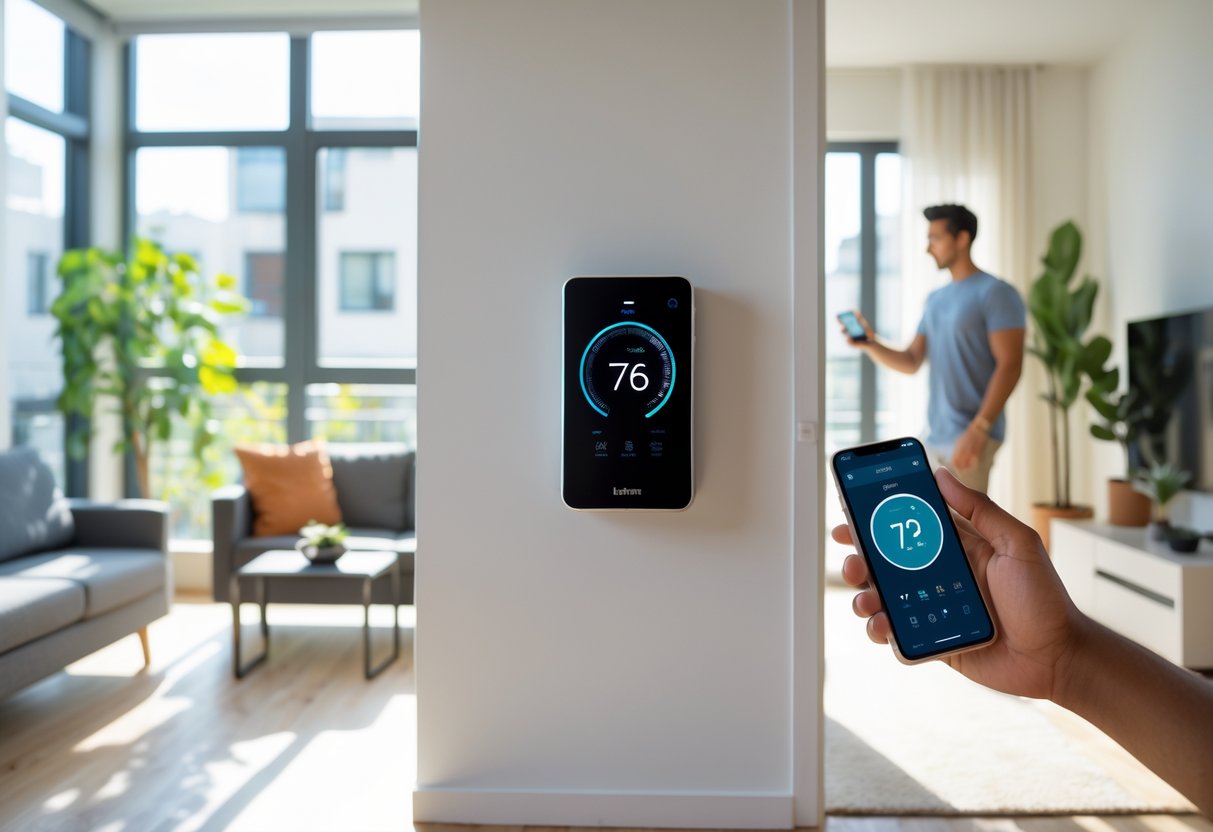
The right smart thermostat can cut your heating and cooling costs while making your apartment more comfortable. Unlike traditional thermostats, smart models learn your schedule and adjust temperatures automatically. They connect to your phone so you can change settings from anywhere. Most importantly for renters, many options install easily and can be removed when you move out.
Whether you want to save energy and improve home comfort or simply control your apartment’s temperature from your phone, choosing the right smart thermostat comes down to three main factors: compatibility with your current system, features that match your lifestyle, and ease of installation. This guide breaks down everything you need to know about smart thermostats for apartment living, from understanding C-wire requirements to finding budget-friendly options that deliver real results.
Key Takeaways
- Smart thermostats work in most apartments with landlord permission and proper HVAC compatibility
- Look for models that don’t require a C-wire or include adapter kits for easier installation
- The best options offer remote control, energy tracking, and voice assistant integration at various price points
Key Considerations for Installing Smart Thermostats in Apartments
Before installing a smart thermostat in your apartment, you need to understand the approval process, check your HVAC compatibility, verify power requirements, and choose the right installation method. These factors determine whether you can successfully upgrade to a smart thermostat and how to do it properly.
Landlord Approval and Lease Restrictions
You must get written permission from your landlord before installing a smart thermostat. Most lease agreements classify thermostat changes as property modifications that require approval.
Contact your landlord or property manager early in the process. Explain the benefits, including potential energy savings and the fact that you can reinstall the original thermostat when you move out. Some landlords welcome upgrades that improve energy efficiency.
Review your lease agreement carefully. Look for clauses about modifications, alterations, or appliance changes. Some leases explicitly prohibit any changes to heating and cooling controls.
If your landlord approves the installation, ask them to confirm it in writing. Keep the original thermostat in safe storage so you can restore it before moving out. Document the original setup with photos to ensure proper reinstallation later.
Understanding Your Apartment’s HVAC System
Your apartment’s heating and cooling system must work with smart thermostats. Most apartments use standard 24VAC HVAC systems, which are compatible with popular smart thermostat models.
Check what type of system you have:
- Central heating and cooling: Works with most smart thermostats
- Window AC units: Cannot use smart thermostats
- Baseboard heaters: Requires high-voltage thermostats (not standard smart models)
- Heat pumps: Compatible but may need specific settings
Remove your current thermostat’s cover to see the wiring. Take a photo of the wire connections before touching anything. Common wire labels include R (power), W (heating), Y (cooling), G (fan), and C (common wire).
C-Wire Requirements and Power Options
Most smart thermostats need a c-wire to provide continuous power. The c-wire, or common wire, completes the 24-volt circuit that keeps your smart thermostat running.
Check if your current setup has a c-wire. Look for a wire connected to the “C” terminal on your existing thermostat. If you see a blue or black wire at this terminal, you likely have a c-wire already installed.
If you don’t have a c-wire, you have several options:
- Power extender kit: Installs at your HVAC unit to add c-wire functionality
- C-wire adapter: Repurposes existing wires to provide power
- Battery-powered models: Some thermostats work without a c-wire but have limited features
- Professional installation: An HVAC technician can run a new c-wire from your system
Many smart thermostat brands include a power adapter in the box. These adapters let you use the thermostat without modifying your apartment’s wiring permanently.
Installation Approaches for Renters
You can choose between DIY installation and professional help based on your comfort level and lease requirements. An easy DIY installation takes 30 minutes if you have basic tools and compatible wiring.
DIY Installation Steps:
- Turn off power at the circuit breaker
- Remove the old thermostat and label all wires
- Install the mounting plate for your new thermostat
- Connect wires according to the installation guide
- Attach the thermostat display and restore power
- Complete setup through the mobile app
Most smart thermostat manufacturers provide detailed installation guides with step-by-step instructions. Follow these guides exactly to avoid damaging your system or the thermostat.
Consider professional installation if you lack a c-wire, feel uncomfortable working with electrical wiring, or your landlord requires licensed work. Professional installation typically costs $100-$200 but ensures proper setup and may satisfy landlord requirements for permitted electrical work.
Keep all original parts and hardware. Store the old thermostat in its original packaging if possible. Take detailed notes about wire placement and settings so you can reverse the installation completely when your lease ends.
Top Smart Thermostat Features and Options for Renters
Smart thermostats for apartments pack features that help you save money and stay comfortable without permanent installation. Look for models with voice controls, scheduling options, remote access, and sensors that adapt to your routine.
Smart Home Integration and Voice Controls
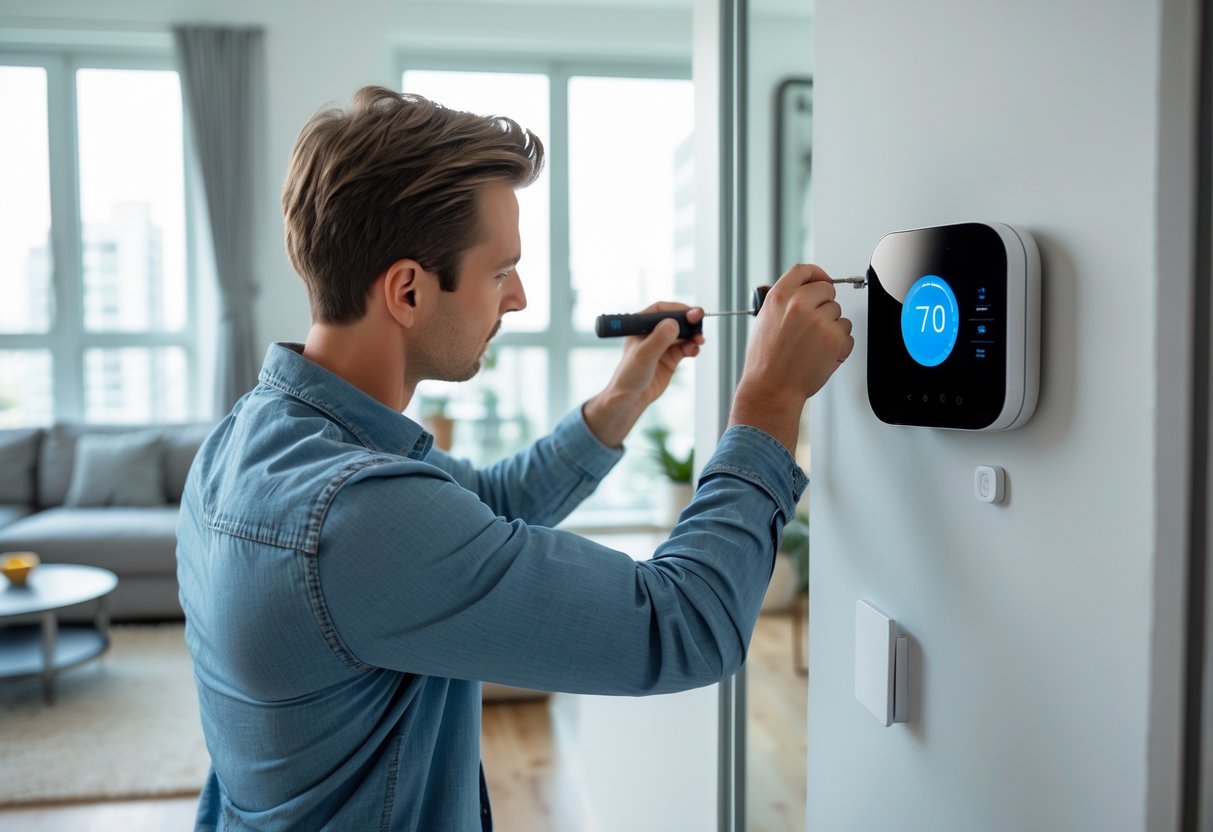
A wifi thermostat connects to your home network and works with voice assistants like Alexa, Google Assistant, and Apple HomeKit. You can adjust temperature by voice without getting up from your couch or bed.
Smart home integration lets your thermostat communicate with other devices. Your lights, locks, and thermostat can work together through routines and automation.
Most programmable wi-fi smart thermostats support multiple platforms. Check compatibility before buying to make sure it works with your existing smart home setup.
Popular voice commands include:
- “Set temperature to 72 degrees”
- “Turn on eco mode”
- “What’s the current temperature?”
Programmable Schedules and Energy Reporting
A 7-day programmable schedule adjusts temperatures based on your weekly routine. Set different temperatures for weekday mornings when you’re rushing to work versus lazy weekend afternoons.
Energy usage reports show how much heating and cooling you use each day, week, and month. These energy reports help you spot patterns and find ways to cut costs. Some models estimate your monthly savings in dollars.
Eco modes reduce energy waste by using lower power settings. Home/away assist detects when you leave and returns your apartment to energy-saving temperatures automatically. These features can cut your utility bills by 10-15% without any effort on your part.
Remote Access and Climate Control
Remote access through smartphone apps lets you control your smart thermostat for apartment from anywhere. Adjust settings at work, on vacation, or from your bedroom without walking to the wall unit.
You can check current temperature, humidity levels, and system status in real-time. The app sends alerts if temperatures drop too low or rise too high while you’re away.
Set up geofencing so your programmable thermostat knows when you’re close to home. It starts heating or cooling before you arrive so your apartment feels comfortable the moment you walk in. This works better than fixed schedules since your routine changes day to day.
Air Quality and Advanced Sensors
An air quality monitor tracks humidity, volatile organic compounds, and airborne particles inside your apartment. Poor air quality affects your health and comfort more than temperature alone.
Some models include a smartsensor you can place in your bedroom or office. The sensor reports temperature in that specific room and tells your thermostat to focus on keeping that area comfortable. This works well in apartments with uneven heating.
Advanced sensors detect occupancy and adjust temperatures room by room. They learn which rooms you use most and avoid wasting energy on empty spaces. These features matter more in larger apartments where one thermostat controls multiple rooms.
Best Smart Thermostats for Apartments and Their Benefits
Smart thermostats designed for apartments offer remote temperature control, automated scheduling, and energy monitoring that can reduce utility bills by 15-23% annually. Models like the Amazon Smart Thermostat, Google Nest Thermostat, and Ecobee Smart Thermostat Essential lead the market with features tailored for renters who need easy installation and flexible compatibility.
Leading Models and Brand Comparisons
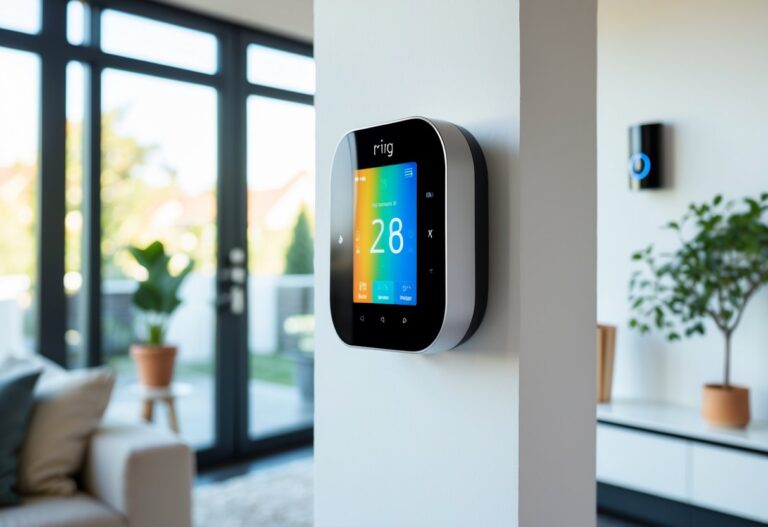
The Amazon Smart Thermostat works seamlessly with Alexa and Ring devices, providing voice control and energy rebate guidance at an affordable price point. It requires a C-wire for stable operation and delivers reliable scheduling for basic heating and cooling needs.
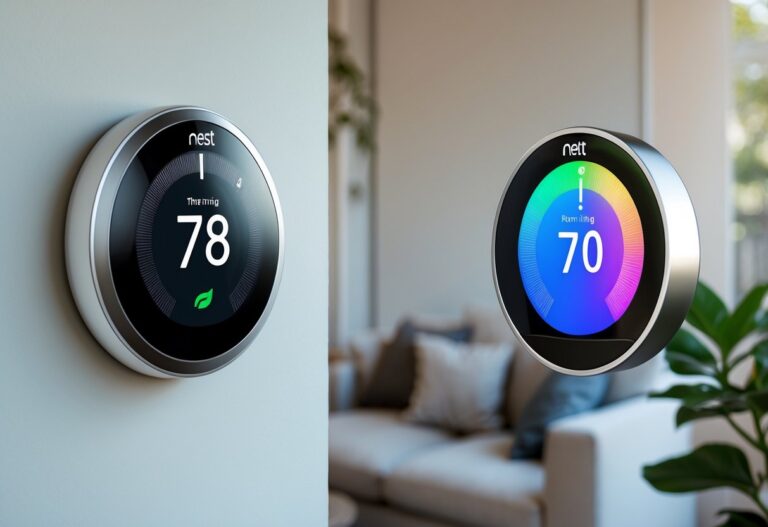
Google Nest Thermostat stands out for its learning capabilities and ENERGY STAR certification. The device adapts to your routine over time and often installs without a C-wire, making it suitable for rental spaces with limited wiring access. You can control it remotely through the Google Home app.
The Ecobee Smart Thermostat Essential offers broad voice assistant support including Siri, Alexa, and Google Assistant. It features a color touchscreen and claims up to 23% annual HVAC savings through intelligent scheduling. The Ecobee Smart Thermostat Premium and Ecobee Smart Thermostat Enhanced add room sensors and air quality monitoring for larger apartments.
Sensi Smart Thermostat by Emerson prioritizes privacy and DIY installation. The Sensi Touch Wi-Fi Smart Thermostat model includes a touchscreen interface while maintaining compatibility with most systems without requiring a C-wire. Both versions provide detailed energy usage reports.
Meross Smart Thermostat supports Matter, enabling compatibility across multiple smart home platforms simultaneously. This flexibility benefits renters who use various voice assistants or plan to switch ecosystems.
Compatibility with Apartment Systems
Most apartments use standard HVAC systems that require either 24-volt wiring or a common wire (C-wire) for smart thermostat installation. The Google Nest Thermostat and Emerson Sensi Touch typically operate without a C-wire in many configurations, reducing installation complexity. The Amazon Smart Thermostat and Meross Smart Thermostat need a C-wire for consistent performance.
Before purchasing, you should verify your system type by removing your current thermostat cover and checking the wire labels. Heat pump systems, cooling-only units, and multi-stage setups may have specific compatibility requirements. Most manufacturers provide online compatibility checkers or support teams to confirm your HVAC matches their device specifications.
Wi-Fi connectivity is essential for smart thermostats, and most models operate on 2.4GHz networks only. Ensure your apartment has adequate Wi-Fi coverage near the thermostat location. Rental restrictions may require landlord approval before installation, though most smart thermostats install without permanent modifications to walls or wiring.
Energy Savings and Cost Efficiency
Smart thermostat benefits include automated temperature adjustments when you’re away from your apartment, reducing unnecessary heating and cooling. The Nest Learning Thermostat and Ecobee models use presence detection and scheduling to lower energy consumption by 15-23% compared to manual thermostats.
You can program weekly schedules that match your routine, setting lower temperatures during work hours and comfortable levels when you’re home. Energy usage reports from devices like the Sensi Smart Thermostat show daily and monthly consumption patterns, helping you identify opportunities to reduce utility costs.
ENERGY STAR certified models meet strict efficiency guidelines and may qualify you for utility company rebates ranging from $25 to $100. The Amazon Smart Thermostat includes rebate guidance tools to help you find available programs in your area. Over a typical heating and cooling season, energy savings often offset the initial purchase price within 18-24 months.
Geofencing features detect when you leave or return home using your smartphone location, automatically adjusting temperatures without manual input. This technology prevents wasteful heating or cooling of empty apartments while maintaining comfort when you arrive.