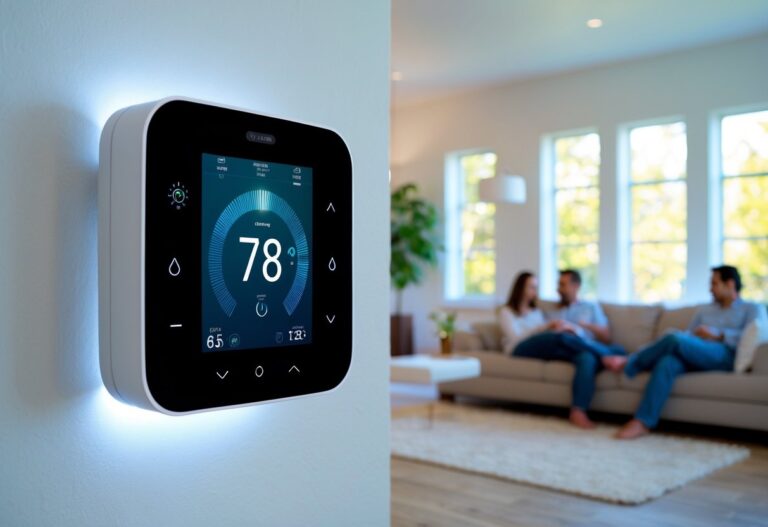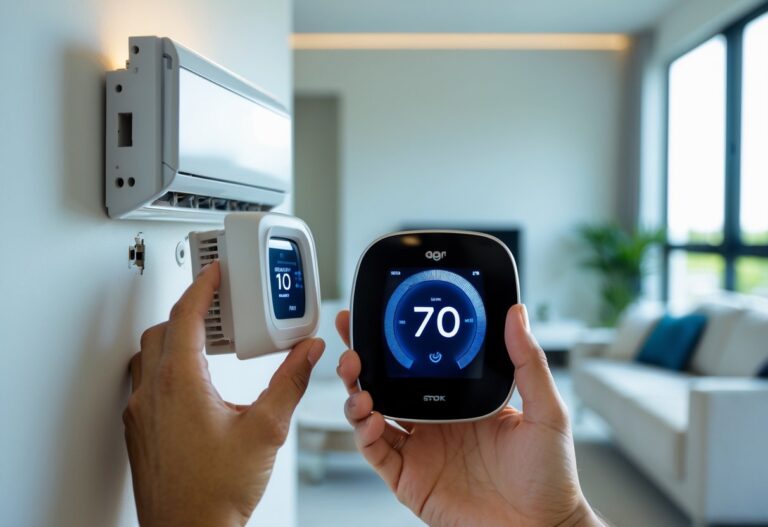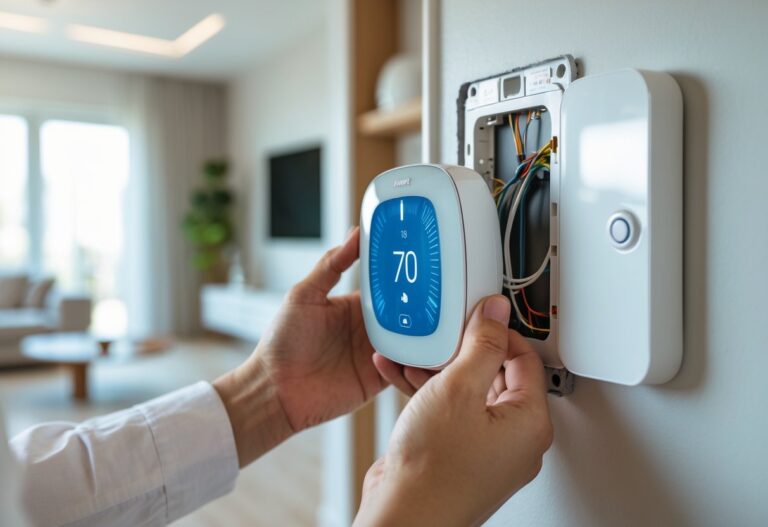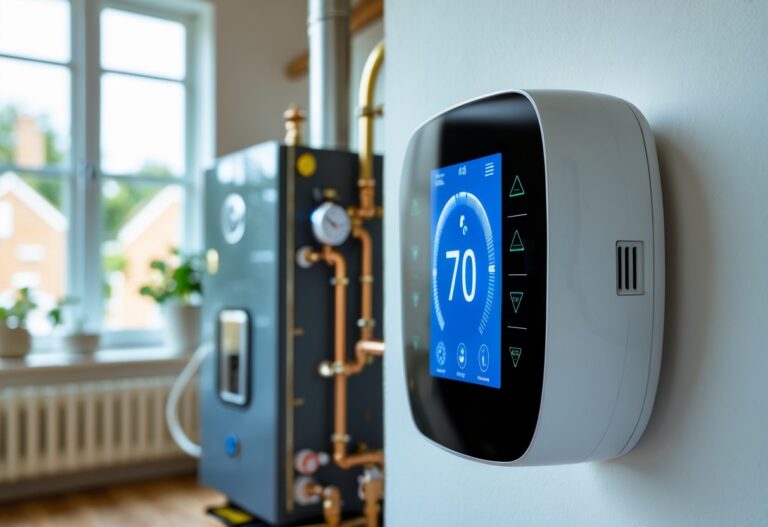

Your smart thermostat can do much more than just turn your heating and cooling on and off. When set up correctly, it becomes a powerful tool that keeps your home comfortable while cutting your energy bills. Most people never take full advantage of their thermostat’s features, missing out on hundreds of dollars in potential savings each year.
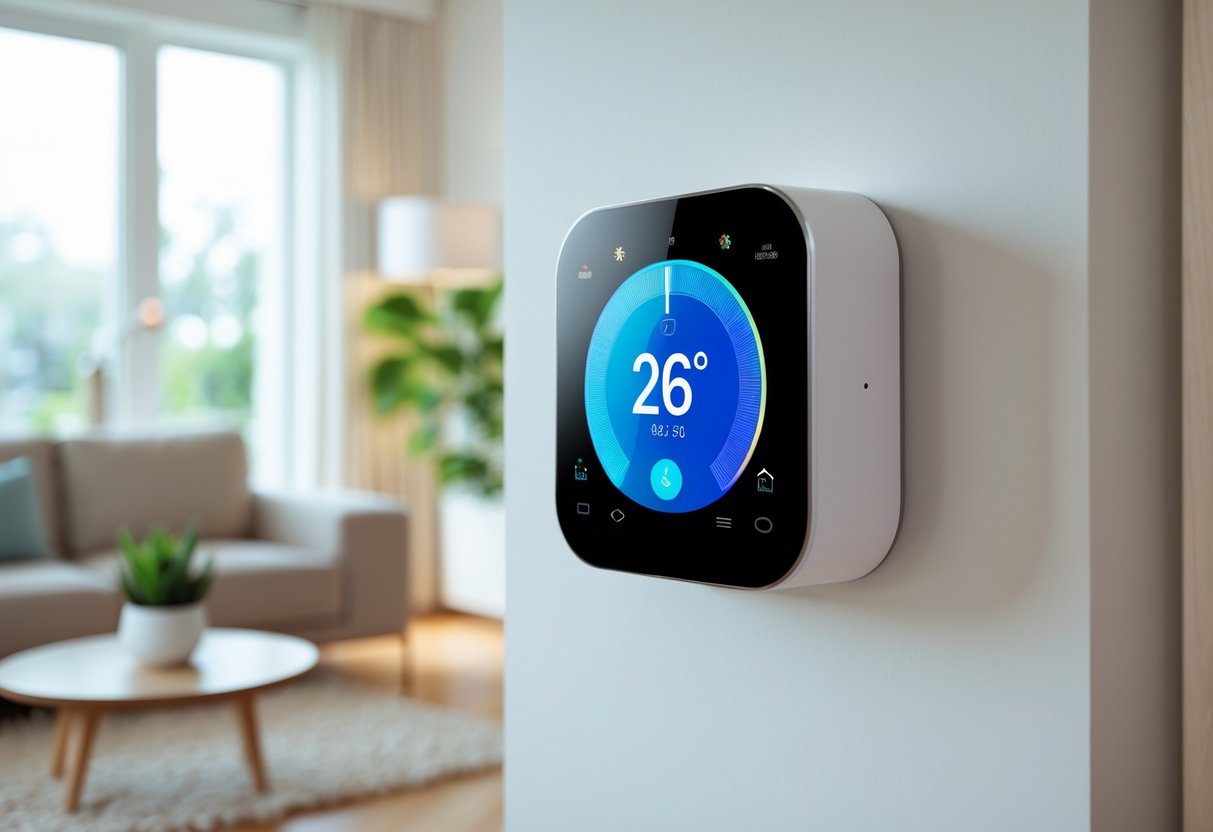
The key to maximum comfort is setting your thermostat to 68°F in winter and 78°F in summer when you’re home, then adjusting temperatures when you’re away or sleeping. Smart thermostats make this easy by learning your schedule and preferences over time. They can automatically shift temperatures based on whether you’re home, asleep, or away. This means you get the comfort you want without wasting energy heating or cooling an empty house.
Getting the most from your smart thermostat requires understanding its features and how to use them effectively. The right settings depend on your daily routine, home layout, and local climate. Small adjustments can make a big difference in both comfort and savings throughout the year.
Key Takeaways
- Set your thermostat to 68°F in winter and 78°F in summer for the best balance of comfort and energy savings
- Use scheduling features to automatically adjust temperatures when you’re away or sleeping to reduce wasted energy
- Take advantage of smart features like geofencing and humidity control to maximize both comfort and efficiency
Essential Settings for Maximum Comfort and Efficiency
Setting your thermostat to the right temperatures for each season, managing humidity levels, and programming schedules around your daily routine can cut heating and cooling costs by up to 10% annually while maintaining a comfortable home environment.
Optimal Thermostat Settings for Winter and Summer
The best thermostat settings depend on whether you’re heating or cooling your home. During winter, set your thermostat to 68°F when you’re home and awake. This temperature provides comfort without wasting energy.
Lower the temperature to 62-65°F when you’re asleep or away from home for extended periods. Each degree you lower your thermostat can save about 1% on your heating bill.
For summer months, the optimal thermostat setting is 78°F when you’re home. Raise the temperature to 85°F when you’re away to reduce cooling costs while preventing excessive heat buildup. Set it to 75-76°F during sleep if you need cooler temperatures for comfortable rest.
Seasonal temperature recommendations:
| Season | Home & Awake | Sleeping | Away |
|---|---|---|---|
| Winter | 68°F | 62-65°F | 62°F |
| Summer | 78°F | 75-76°F | 85°F |
Humidity and Indoor Air Quality Adjustments
Humidity control plays a major role in home comfort and energy efficiency. The ideal indoor humidity range is 30-50% year-round for optimal comfort and air quality.
During winter, indoor air often becomes too dry from heating. Low humidity below 30% can cause dry skin, respiratory irritation, and static electricity. Use a humidifier or enable your smart thermostat’s humidity control features to maintain proper moisture levels.
Summer brings the opposite problem with excess humidity. High humidity above 50% makes your home feel warmer than it actually is and encourages mold growth. Enable your thermostat’s dehumidification mode or use your air conditioning system to remove excess moisture.
Many smart thermostats monitor humidity levels automatically and adjust settings to maintain your preferred range. This feature improves indoor air quality while reducing the workload on your heating and cooling system.
Customizing Schedules for Daily Routines
Programming your thermostat around your daily schedule maximizes both comfort and energy savings. Create different temperature settings for weekdays and weekends based on when you’re typically home.
Set temperature changes to occur 30 minutes before you wake up so your home reaches the desired temperature by the time you get out of bed. Program similar adjustments before you arrive home from work.
Most households benefit from a four-period schedule: morning, day, evening, and night. Adjust temperatures during each period based on occupancy and activity levels. Use energy-saving temperatures when your home is empty during work hours.
Smart thermostats with learning capabilities will adjust these schedules automatically over time. They detect patterns in your behavior and temperature preferences. Manual adjustments remain available whenever your routine changes or unexpected situations arise.
Smart Features to Enhance Comfort and Savings
Smart thermostats offer advanced features that automatically adjust your home’s temperature based on your location, schedule, and which rooms you’re using. These tools help you save energy without constantly adjusting settings manually.
Geofencing and Away Mode
Geofencing uses your smartphone’s location to detect when you leave or return home. Your smart thermostat automatically switches to energy-saving temperatures when you’re away and returns to your preferred settings before you arrive. This feature typically creates a virtual boundary around your home, usually ranging from half a mile to several miles.
Away mode activates when the system detects no one is home for an extended period. The thermostat adjusts to temperatures that require minimal heating or cooling, which can reduce your energy bills by 8-15%. You don’t need to remember to change settings before leaving, and you won’t waste energy cooling or heating an empty house.
Most smart thermostats let you customize the geofencing radius and away mode temperature limits. You can set different thresholds for winter and summer to match your comfort preferences while maximizing energy savings.
Zoning Systems for Room-by-Room Control
Zoning systems divide your home into separate areas that you can heat or cool independently. Each zone has its own thermostat or temperature sensor, allowing you to set different temperatures for bedrooms, living areas, and basements. This prevents you from heating or cooling rooms you’re not using.
You can keep bedrooms cooler during the day and warmer at night, while maintaining comfortable temperatures in common areas when you’re active. Smart vents or dampers work with your thermostat to direct airflow to specific zones based on your settings and occupancy patterns.
Zoning is especially useful in multi-story homes where upper floors tend to be warmer than lower levels. You’ll save energy by not over-conditioning unused spaces while maintaining comfort where you spend the most time.
Using Vacation Mode and Remote Access
Vacation mode sets your thermostat to extreme energy-saving temperatures when you’re away for multiple days. You can program it to maintain minimal heating in winter to prevent pipe freezing or reduced cooling in summer to protect your home without wasting energy.
Remote access through smartphone apps lets you adjust your thermostat from anywhere with internet connection. You can change temperatures before returning from a trip, respond to unexpected weather changes, or turn off the system if you forgot before leaving. Most apps also show your energy usage and provide alerts if your system detects unusual temperature changes.
These features give you complete control over your home’s climate without being physically present. You can make adjustments in real-time based on your actual schedule rather than relying on pre-set programs that might not match your changing plans.
Tips for Improving Smart Thermostat Performance
Your smart thermostat works best when supported by proper placement, home efficiency improvements, and regular system maintenance. These foundational elements help your device read temperatures accurately and reduce how hard your heating and cooling system has to work.
Thermostat Placement Best Practices
Where you install your thermostat directly affects how well it reads your home’s temperature. Poor placement causes inaccurate readings that lead to inefficient heating and cooling cycles.
Avoid these common placement mistakes:
- Direct sunlight from windows
- Drafty areas near exterior doors
- Hallways with limited airflow
- Kitchens or laundry rooms with heat-producing appliances
- Locations above air vents or registers
Place your thermostat on an interior wall in a frequently used room. This gives the device accurate data about your actual living conditions. The thermostat should be roughly 52 to 60 inches from the floor and away from corners where air doesn’t circulate well.
If your current thermostat placement creates problems, consider relocating it. This may require professional installation, but the improved accuracy makes your system run more efficiently.
Improving Home Insulation and Sealing
Even the smartest thermostat can’t compensate for poor insulation or air leaks. Your home needs to hold conditioned air effectively for your thermostat to maintain consistent temperatures.
Start by checking your attic insulation levels. Most homes need R-38 to R-60 insulation depending on your climate zone. Add more insulation if yours falls short.
Seal windows and doors with weatherstripping or caulk to stop drafts. Check for gaps around pipe penetrations, electrical outlets, and baseboards. Use expanding foam or caulk to close these openings.
Install door sweeps on exterior doors and add insulated window treatments. These simple upgrades help create an energy-efficient home that responds better to your thermostat’s commands. When your home holds temperatures longer, your system cycles less frequently and your energy bills drop.
Integrating Ceiling Fans and Additional Accessories
Ceiling fans work with your smart thermostat to distribute air more evenly throughout your home. This partnership helps eliminate hot and cold spots without adjusting the temperature.
Run ceiling fans counterclockwise in summer to create a cooling breeze. This allows you to raise your thermostat by 3 to 4 degrees without losing comfort. Switch to clockwise rotation at low speed in winter to push warm air down from the ceiling.
Add smart sensors in rooms far from your main thermostat. These devices give your system better information about temperature variations in different areas. Some thermostats support averaging temperatures across multiple sensors for more balanced comfort.
Consider smart vents that open and close automatically to direct airflow where it’s needed most. These accessories pair with your thermostat to create zone-based temperature control without a full zoning system.
Routine HVAC Maintenance and Seasonal Tune-Ups
Your smart thermostat depends on a well-maintained HVAC system to deliver the comfort you program. Regular maintenance keeps your equipment running efficiently and extends its lifespan.
Replace air filters every 1 to 3 months depending on your system and household conditions. Dirty filters restrict airflow and make your system work harder to reach target temperatures. Set reminders on your thermostat app if it offers this feature.
Schedule professional seasonal tune-ups twice yearly. A technician will clean coils, check refrigerant levels, inspect electrical connections, and identify potential problems before they cause breakdowns. Spring and fall are ideal times for this preventive hvac maintenance.
Clean debris from outdoor units and keep vegetation trimmed back at least 2 feet. Clear return vents and registers inside your home. These simple tasks improve airflow and help your thermostat maintain consistent temperatures with less energy waste.