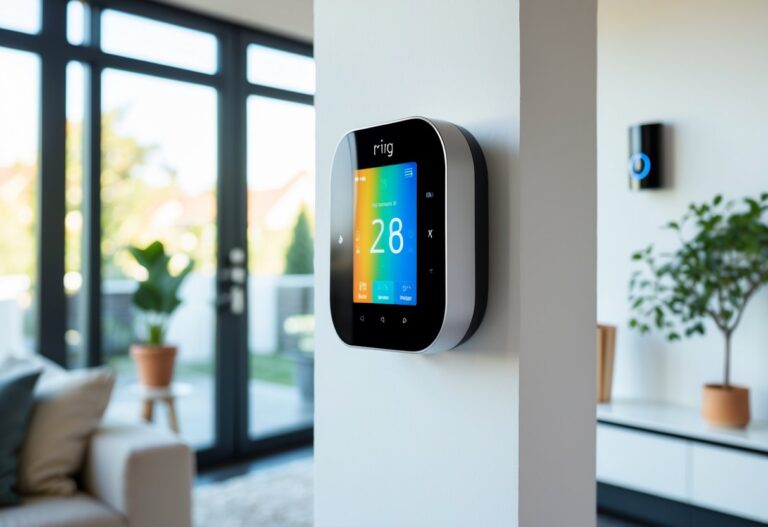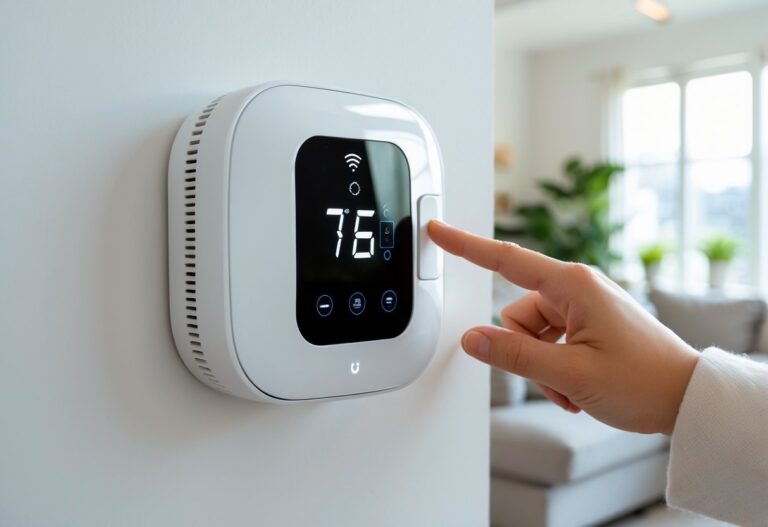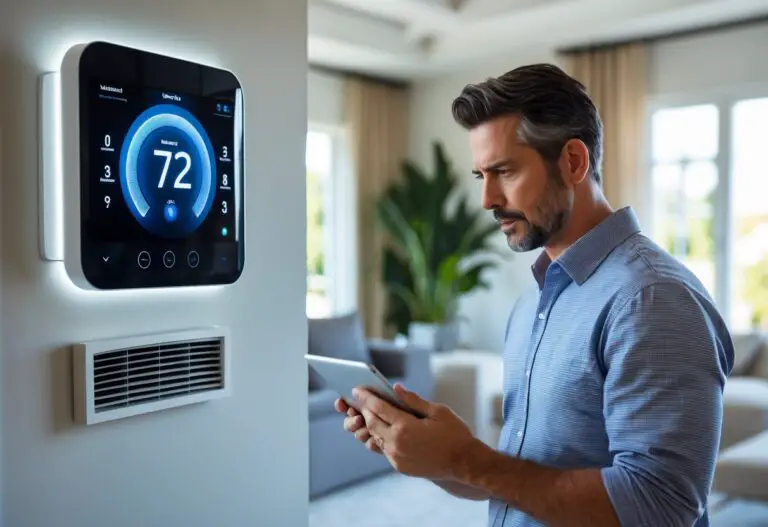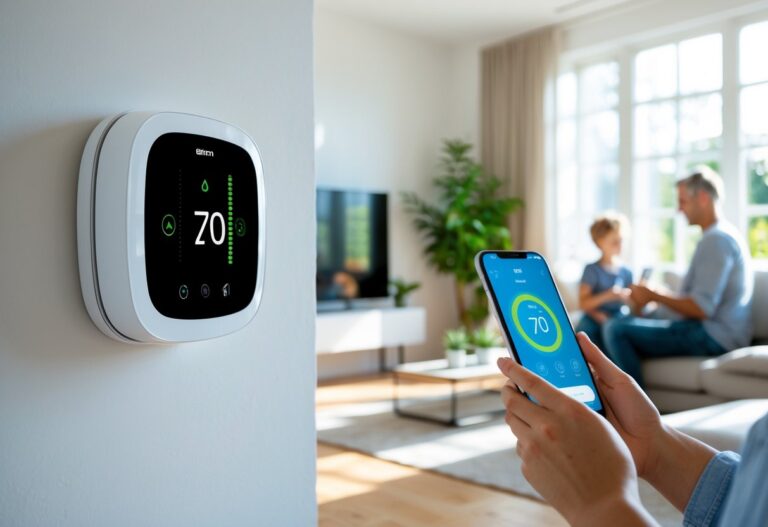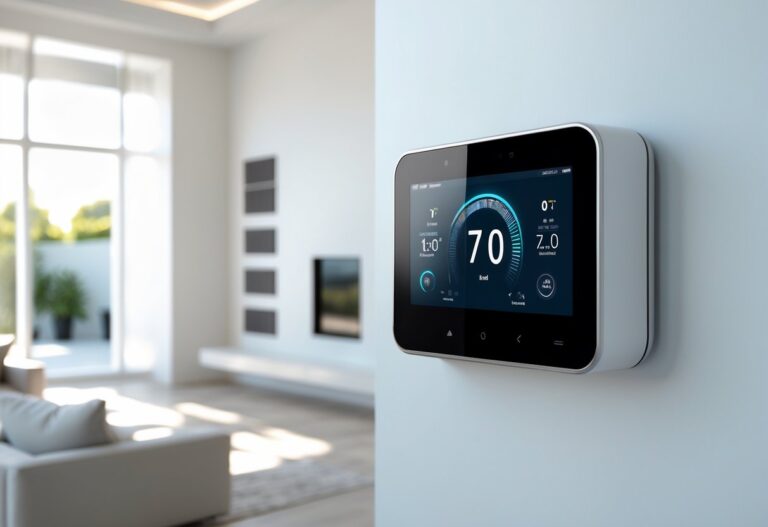

Your heating and cooling system accounts for nearly half of your home’s energy bills, which means you’re likely spending hundreds of dollars each year on wasted energy. Smart thermostats offer a practical solution by automatically adjusting temperatures based on your schedule and preferences. Most homeowners save 8-15% on heating and cooling costs with smart thermostats, recovering their initial investment within 2-4 years while enjoying better comfort and control.
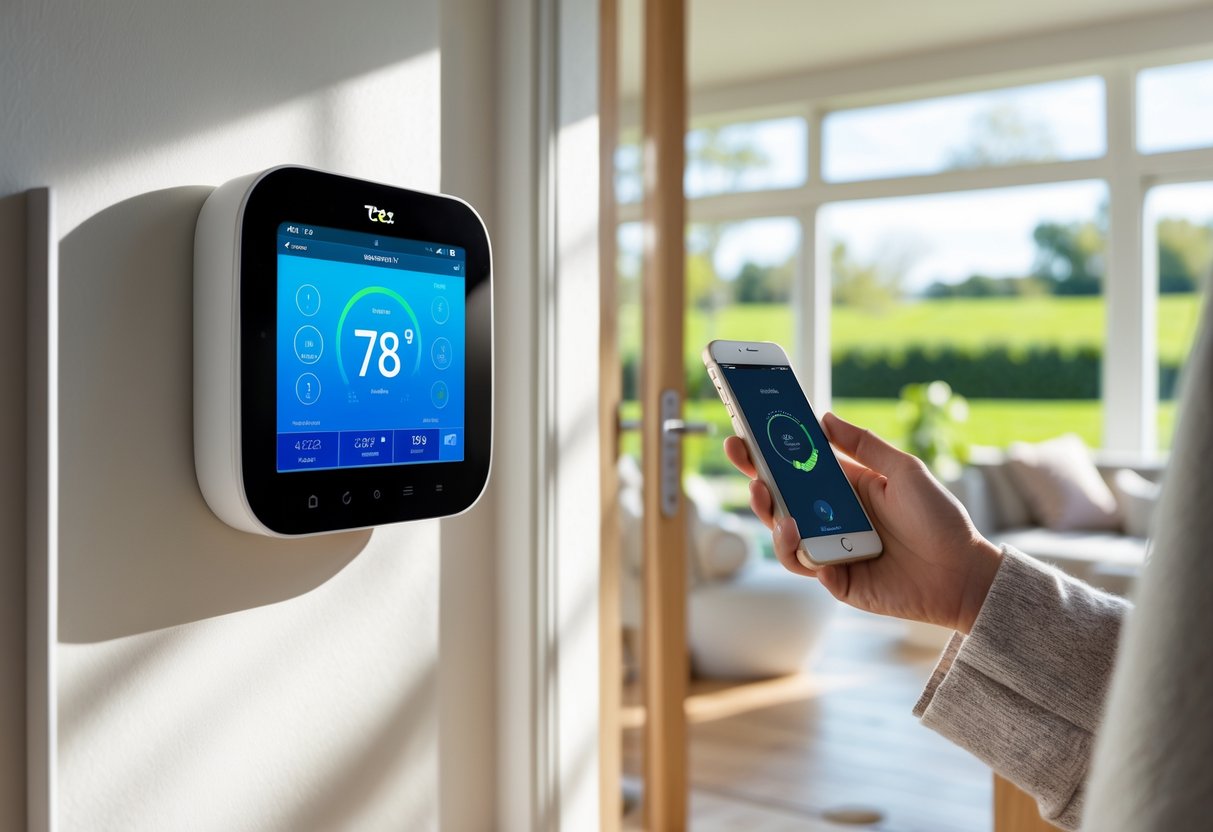
These devices have evolved far beyond simple programmable thermostats. They learn your routines, respond to weather changes, and can be controlled from anywhere using your smartphone. Whether you’re looking to cut energy costs, reduce your environmental impact, or simply make your home more comfortable, understanding how smart thermostats work is the first step toward making an informed decision.
This guide covers everything you need to know about smart thermostats. You’ll learn how these devices save energy, which features matter most, how they integrate with your existing systems, and what to consider when choosing the right model for your home.
Key Takeaways
- Smart thermostats save 8-15% on energy bills through automated scheduling and learning your preferences
- These devices integrate with voice assistants and smart home systems for seamless control and enhanced comfort
- Most models pay for themselves within 2-4 years, and utility rebates can reduce upfront costs by $50-150
What Is a Smart Thermostat and How Does It Work?
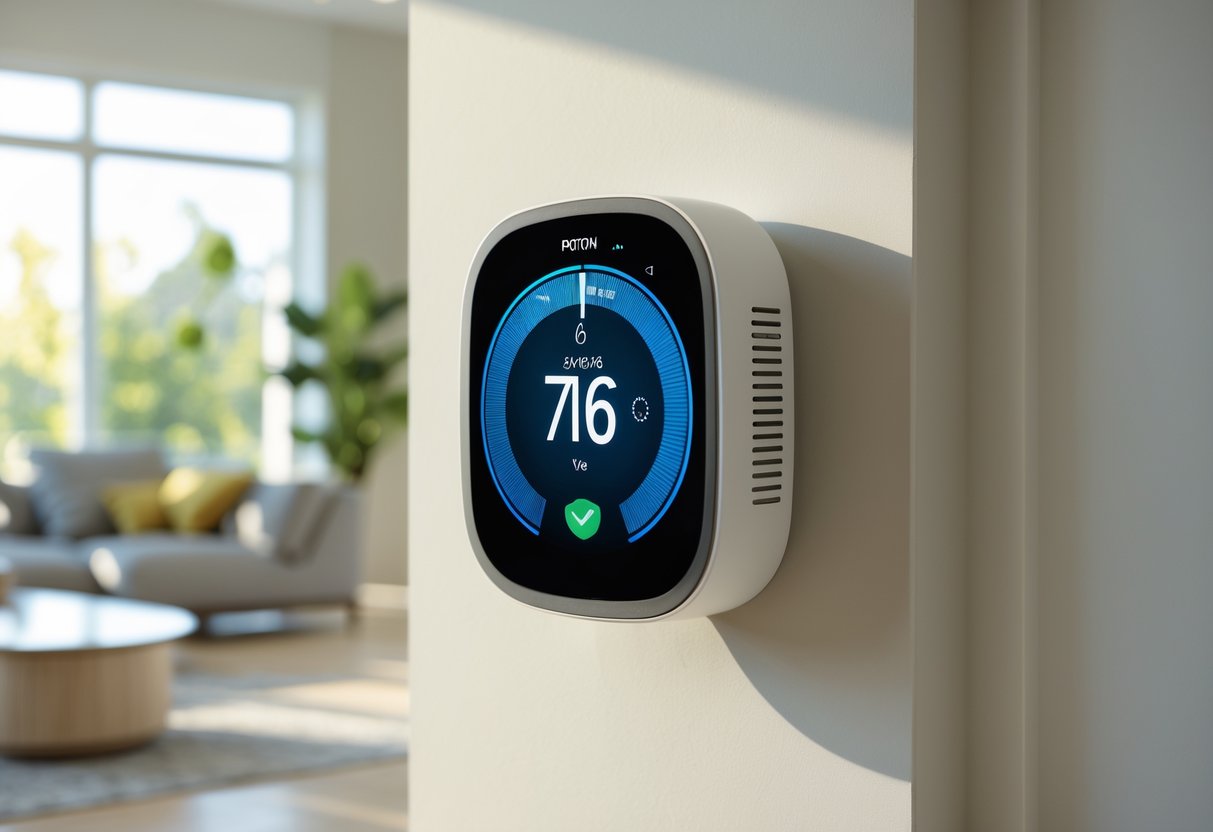
A smart thermostat connects to your home’s Wi-Fi network and uses sensors, algorithms, and mobile apps to automatically manage heating and cooling based on your schedule and preferences. These devices collect data about your home environment and behavior to optimize temperature settings without constant manual input.
Defining Smart Thermostats Versus Programmable and Manual Thermostats
A manual thermostat requires you to physically adjust the temperature dial or buttons each time you want to change your home’s climate. You walk to the wall unit and make changes by hand.
A programmable thermostat lets you set temperature schedules in advance. You can program different temperatures for morning, day, evening, and night. However, you still need to manually update these schedules when your routine changes.
Smart thermostats take automation further by connecting to your Wi-Fi network and learning from your behaviors. You control them remotely through smartphone apps from anywhere with internet access. They integrate with other smart home devices and provide real-time energy usage reports. While programmable thermostats follow fixed schedules you create, smart thermostats adapt their schedules based on your actual patterns and external factors like weather forecasts.
Core Technologies: Sensors, Connectivity, and Machine Learning
Smart thermostats use multiple sensors to gather information about your home. Temperature sensors measure the current room temperature, while humidity sensors track moisture levels that affect comfort. Occupancy sensors detect whether someone is home, and some models work with room sensors placed in different areas to monitor conditions throughout your house.
Wi-Fi connectivity forms the backbone of smart thermostat functionality. This connection allows the device to communicate with your smartphone, receive software updates, and access weather data. The thermostat sends information to cloud servers where algorithms process the data and send instructions back to your HVAC system.
Machine learning algorithms analyze patterns in your temperature adjustments, schedule, and home occupancy. The system identifies trends like when you typically wake up, leave for work, or adjust temperatures for sleeping. This data processing happens automatically in the background as you use the device normally.
How Smart Thermostats Learn and Automate Climate Control
A learning thermostat monitors your manual adjustments during the first few weeks of use. When you change the temperature at 7 AM before work or lower it at 10 PM for bedtime, the device records these patterns. After collecting enough data, it creates an automatic schedule matching your preferences.
Geofencing uses your smartphone’s location to trigger temperature changes. When you leave a set radius around your home, the thermostat switches to an energy-saving mode. As you return within that boundary, it begins heating or cooling to reach your preferred temperature before you arrive.
Occupancy detection prevents wasting energy when rooms sit empty. Some systems use motion sensors built into the thermostat itself, while others rely on external room sensors. If no activity occurs for a set period, the system adjusts temperatures to save energy. The automation runs continuously, making small adjustments based on weather forecasts, time patterns, and real-time conditions without requiring your input.
Essential Features and Capabilities
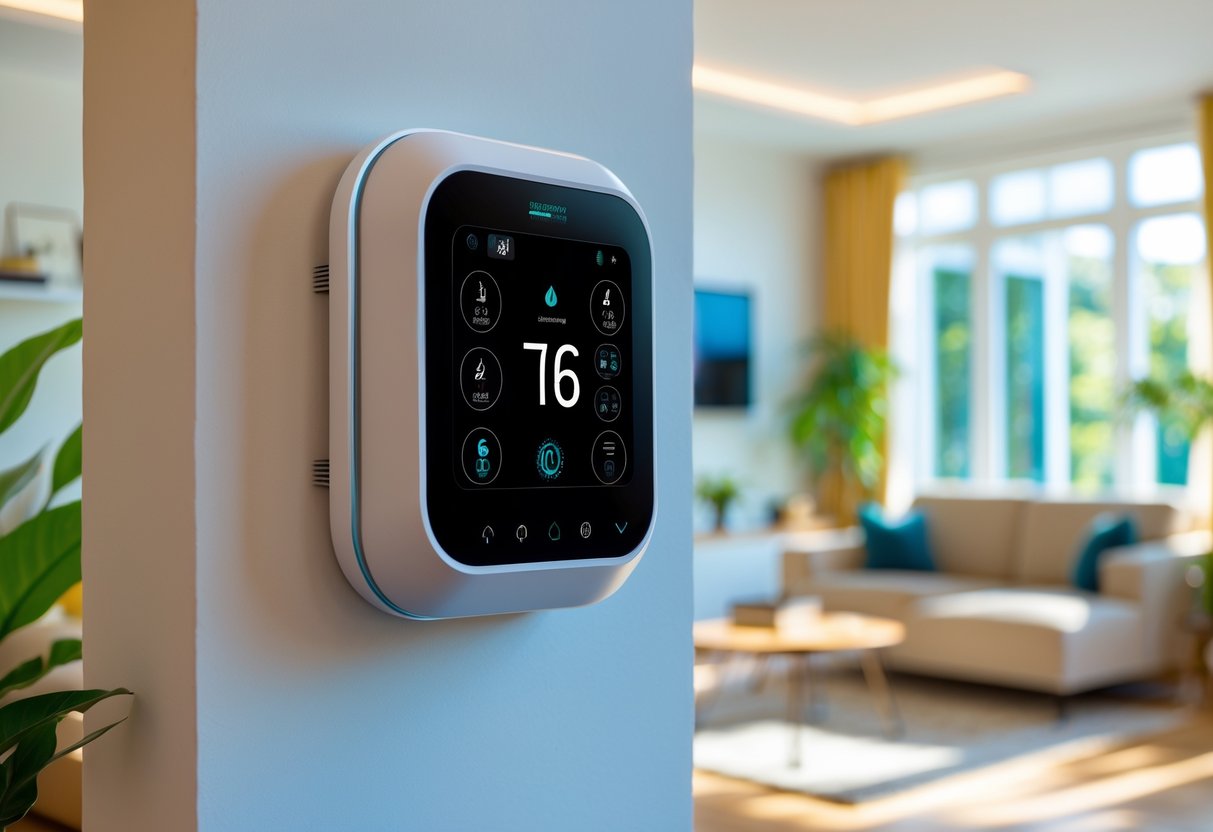
Smart thermostats include several core features that work together to reduce energy costs and maintain comfort. These capabilities range from automated learning systems that adapt to your daily routine to mobile apps that let you control temperature from anywhere.
Learning Algorithms and Automated Scheduling
A learning thermostat observes your temperature adjustments and daily patterns over the first one to two weeks after installation. The device tracks when you wake up, leave for work, return home, and go to sleep. It then builds a custom schedule based on this behavior.
The system continuously refines its understanding of your home’s heating and cooling patterns. It learns how long your HVAC system needs to reach your preferred temperature and adjusts start times accordingly. This prevents wasted energy from running your system longer than necessary.
Advanced models like the Google Nest can distinguish between your regular schedule and one-time changes. If you usually come home early on Fridays, the thermostat anticipates this without treating it as your new daily routine. The algorithms also calculate optimal setback temperatures that maximize savings while ensuring your home reaches comfortable temperatures when you need them.
Remote Control and Mobile App Integration
Mobile apps give you complete control of your thermostat from any location with internet access. You can adjust temperatures, change modes, and view current conditions from your smartphone or tablet. This remote control capability helps you save energy when plans change unexpectedly.
The apps show real-time data including current temperature, target temperature, and whether your system is actively heating or cooling. You can create or modify schedules directly from your phone without touching the physical thermostat. Most apps also send alerts about extreme temperatures, system problems, or when it’s time to change your air filter.
Multi-user access lets family members control the thermostat from their own devices. You can set different permission levels to prevent unwanted changes while still giving everyone basic control.
Voice Control and Smart Assistant Compatibility
Modern smart thermostats integrate with Alexa, Google Assistant, and Siri for hands-free temperature control. You can adjust settings using simple voice commands like “set temperature to 72 degrees” or “turn on eco mode.” This integration makes your thermostat part of a larger ecosystem of smart home devices.
Voice control works particularly well when your hands are full or you’re in another room. The ecobee SmartThermostat with Voice Control includes a built-in speaker that functions as an Amazon Alexa device. Other models connect to your existing smart speakers and displays.
You can also create automated routines that combine multiple smart home devices. For example, saying “goodnight” could lock doors, turn off lights, and adjust your thermostat to sleep mode simultaneously.
Energy Usage Reports and Insights
Energy reports show exactly how much energy your HVAC system uses and when it runs most. These detailed breakdowns help you identify patterns and opportunities for additional savings. Most thermostats generate monthly reports that compare your usage to previous periods and similar homes in your area.
The reports track heating and cooling separately and show how weather conditions affected your energy consumption. You can see which days used the most energy and what temperature settings you maintained. Some systems provide efficiency ratings that indicate how well your equipment is performing.
Advanced features include occupancy detection data showing when the thermostat detected activity in your home. Systems with room sensors display temperature readings from different areas, helping you identify hot or cold spots. Geofencing reports show how often away mode activated and the resulting energy savings.
Energy Efficiency and Savings
Smart thermostats typically reduce heating and cooling costs by 8-15% annually through automated scheduling, occupancy detection, and intelligent temperature control. Most households save $50 to $200 per year on utility bills while maintaining consistent comfort levels throughout their homes.
How Smart Thermostats Reduce Utility Bills
Smart thermostats cut your heating and cooling costs through several key mechanisms. The devices automatically adjust temperatures based on your schedule and presence, eliminating energy waste when you’re away from home.
The technology uses geofencing to detect when your smartphone leaves or approaches your home. This feature turns down heating or cooling when the house is empty and restores comfort before you return. You don’t need to remember to adjust settings manually.
Learning algorithms analyze your temperature preferences and daily routines over several weeks. The system then creates optimized schedules that maintain comfort during occupied hours while reducing energy use during other times.
Smart thermostats also provide detailed reports on your energy consumption patterns. You can monitor energy usage through smartphone apps and identify opportunities to adjust settings for better efficiency. Many models show how much energy specific temperature changes will save.
Why smart thermostats are energy efficient comes down to their ability to make constant micro-adjustments. The devices consider factors like outdoor temperature, humidity levels, and how quickly your home heats or cools. This precision prevents the temperature overshoots common with basic thermostats.
Comparing Energy Savings to Manual and Programmable Thermostats
Manual thermostats require you to physically adjust temperature settings each time you want changes. Most people forget to turn down heating or cooling when leaving home, leading to wasted energy throughout the day.
Programmable thermostats offer scheduled temperature changes but have significant limitations. Studies show that 50-70% of households never properly program these devices or abandon the schedules after initial setup. The rigid timing doesn’t adapt to schedule changes or unexpected events.
Smart thermostats deliver 8-15% energy savings compared to manual thermostats. When replacing programmable models, smart thermostats still save 3-8% through better schedule adherence and occupancy detection features.
The difference in heating and cooling costs becomes clear over time. A household spending $1,200 annually on HVAC costs could save $96-$180 per year with a smart thermostat. That’s compared to just $36-$96 in savings from a properly programmed basic thermostat.
Demand response programs work with smart thermostats to reduce utility bills further. Your utility company can make small temperature adjustments during peak demand periods, often providing bill credits of $20-50 annually for participation.
Optimizing Temperature Settings and Schedules
The U.S. Department of Energy recommends setting your thermostat back 7-10°F for eight hours daily. This simple change can reduce utility bills by up to 10% without professional equipment or complex modifications.
Smart thermostats automate these setbacks based on your actual patterns. During winter, set occupied temperatures to 68-70°F and away temperatures to 60-62°F. For summer, use 75-78°F when home and 82-85°F when away.
Your smart thermostat needs 1-2 weeks to learn your preferences and home characteristics. During this period, it calculates how long your HVAC system takes to reach target temperatures. This prevents wasteful early starts or uncomfortable delays.
Remote sensors improve efficiency in homes with uneven heating or cooling. Place sensors in frequently used rooms to avoid conditioning unused spaces. This zone-based approach can add another 5-10% in energy savings.
Many utilities offer utility rebates of $50-150 for smart thermostat installations. These programs often require enrollment in energy-saving features or demand response programs. Check with your local utility before purchasing to maximize your savings potential.
Improving Home Comfort with Smart Thermostats
Smart thermostats give you precise control over your home’s temperature in every room while monitoring conditions like humidity and air quality. These systems use sensors to track where people are in your home and adjust heating or cooling based on actual needs rather than a single fixed schedule.
Multi-Room and Zone Climate Control
Zone climate control lets you set different temperatures in different parts of your home. You can keep your bedroom cool at night while maintaining a warmer temperature in other areas. Smart thermostats work with smart vents and room sensors to create these zones without major renovations.
The sensors track temperature in each room and send data to your main thermostat. If your upstairs gets too hot in summer, the system directs more cool air there. Some systems connect with up to 20 wireless sensors to monitor multiple rooms at once.
This room-by-room approach stops you from wasting energy heating or cooling empty spaces. You can set your home office to be comfortable during work hours and reduce heating in guest rooms when they’re not used. The system adjusts automatically based on the settings you choose for each zone.
Humidity and Air Quality Management
Smart thermostats track more than just temperature. They monitor humidity control levels to prevent your home from feeling too dry in winter or too sticky in summer. The ideal indoor humidity sits between 30% and 50% for comfort and health.
When humidity gets too high, your thermostat can trigger your HVAC system to remove moisture from the air. Low humidity triggers can remind you to use a humidifier. Some advanced models also track air quality by measuring particles and pollutants in your home.
You receive alerts through your phone app when air quality drops or when it’s time to change your HVAC filters. This monitoring helps you breathe cleaner air and protects your heating and cooling system from damage caused by dirty filters.
Comfort Optimization Using Sensors
Occupancy sensors detect when you’re in a room and adjust the temperature to match your preferences. The sensors learn your patterns over time and start making changes before you even ask. When you leave for work, the system shifts to an energy-saving mode automatically.
Motion sensors and door sensors tell your thermostat which rooms are active. If you walk into your living room in the evening, the temperature adjusts to your preferred setting within minutes. This smart climate control responds faster than old programmable thermostats that only change at set times.
Your thermostat also considers factors like outdoor weather and how quickly your home heats or cools. It starts warming your house before you wake up so the temperature is right when your alarm goes off. This predictive heating and cooling keeps you comfortable without manual adjustments throughout the day.
Top Smart Thermostat Models and Brands
Several brands dominate the smart thermostat market, each offering unique features and benefits. The Google Nest Learning Thermostat, ecobee SmartThermostat, and Honeywell Home T9 represent the most popular choices for homeowners looking to upgrade their climate control systems.
Google Nest Learning Thermostat
The Google Nest Learning Thermostat stands out for its ability to learn your temperature preferences over time. After about a week of use, it starts adjusting your home’s temperature automatically based on your daily routines.
The device features a sleek circular design with a bright display that shows the current temperature. You can control it through the Google Home app or use voice commands with Google Assistant or Amazon Alexa.
The Nest Learning Thermostat creates custom schedules without you having to program anything manually. It also includes energy-saving features like Home/Away Assist, which detects when you leave and adjusts the temperature to save energy. The device provides energy reports that show how much heating and cooling you use each month.
ecobee SmartThermostat
The ecobee SmartThermostat includes a remote room sensor in the box, which helps maintain consistent temperatures throughout your home. This sensor detects which rooms are occupied and adjusts heating or cooling accordingly.
Built-in Alexa voice control lets you adjust temperatures, play music, or control other smart home devices without pulling out your phone. The touchscreen display is large and easy to read from across the room.
You can add additional room sensors to monitor temperature and occupancy in different areas of your home. The ecobee app provides detailed energy reports and offers smart scheduling features. It works with most heating and cooling systems and includes a power extender kit for homes without a C-wire.
Honeywell Home T9 and Other Leading Options
The Honeywell Home T9 focuses on room-by-room temperature control through wireless sensors. You can place sensors in up to 20 rooms to ensure comfort where you spend the most time.
The T9 features a simple touchscreen interface and works with Alexa, Google Assistant, and Apple HomeKit. Its geofencing feature adjusts your temperature settings based on your phone’s location.
Other quality options include the Emerson Sensi Touch, which offers an affordable touchscreen experience with easy installation. The Amazon Smart Thermostat provides basic smart features at a budget-friendly price point, making it ideal if you’re new to smart home technology. Both models support Alexa voice control and can help reduce your energy bills through automatic scheduling and remote access features.
Smart Home Integration and Automation
Smart thermostats work best when connected to other devices in your home, creating automated routines that adjust temperature based on your daily patterns and environmental conditions. Integration with smart plugs, vents, and other accessories extends your thermostat’s capabilities beyond basic temperature control.
Connecting with Other Smart Home Devices
Your smart thermostat can communicate with other devices through platforms like Amazon Alexa, Google Home, and Apple HomeKit. This connection allows voice control and coordination between your thermostat and smart lighting, security systems, and window blinds.
Most smart thermostats connect through Wi-Fi or Bluetooth during initial setup. You’ll use the manufacturer’s app to link your thermostat to your chosen smart home platform. Once connected, your thermostat shares data with other devices to make informed decisions about your home’s climate.
Compatible device types include:
- Smart blinds that close during hot afternoons
- Motion sensors that trigger heating or cooling
- Door and window sensors that pause HVAC when open
- Smart speakers for voice temperature adjustments
- Weather stations that provide local climate data
Integration capabilities vary by brand and model. Check compatibility before purchasing to ensure your thermostat works with your existing devices.
Home Automation Routines and Scenes
Automation routines let your thermostat respond to specific triggers without manual input. You can create a “Good Morning” routine that raises the temperature 30 minutes before your alarm, or a “Leaving Home” scene that sets an energy-saving temperature when your phone leaves the geofence boundary.
Common automation examples:
- Away Mode: Adjusts temperature when all family members leave
- Bedtime: Lowers temperature for better sleep at a set time
- Movie Night: Coordinates with smart lights and adjusts climate
- Weather Response: Changes settings based on outdoor conditions
You can layer multiple conditions for more precise control. For instance, your thermostat might only heat your home office when motion is detected during work hours. These routines adapt to your schedule and can save up to 23% on energy costs through intelligent automation.
Smart Plugs, Vents, and Additional Accessories
Smart plugs extend your thermostat’s reach to non-connected appliances. You can control space heaters, fans, or window AC units based on temperature readings from your thermostat. This coordination prevents competing climate control systems from working against each other.
Smart vents open and close individual room vents based on temperature sensors and occupancy. They create zone control in homes with single-zone HVAC systems. Your thermostat sends signals to these vents, directing airflow where it’s needed most.
Additional accessories that enhance performance:
- Remote temperature sensors for multi-room averaging
- Humidity monitors for moisture control
- Air quality sensors that trigger ventilation
- Smart humidifiers and dehumidifiers
These accessories communicate with your thermostat through your home network. They provide data that helps your system make better heating and cooling decisions throughout your home.
Installation, Compatibility, and Maintenance
Installing a smart thermostat requires checking your system compatibility first, deciding between DIY or professional setup, and knowing how to maintain your device. Most installations take 30-60 minutes, but success depends on having the right wiring and following proper procedures.
Assessing HVAC Compatibility and C-Wire Requirements
Before buying a smart thermostat, you need to verify your HVAC system works with the model you want. Remove your current thermostat faceplate and take a photo of the wires connected to the terminals. Count the wires and note their colors and letter labels.
Most smart thermostats work with standard forced-air systems including furnaces, heat pumps, and central air conditioning. They typically need at least four wires: R (power), W (heat), Y (cool), and G (fan).
The C-wire (common wire) is usually blue or black and provides continuous 24-volt power to your smart thermostat. About 40% of homes don’t have this wire connected. Check behind your current thermostat because installers sometimes tuck unused wires into the wall.
Your system may not be compatible if you have:
- High-voltage electric baseboard heating (120V or 240V)
- Millivolt systems like some gas fireplaces
- Proprietary communication systems on older units
- Multi-stage systems beyond 2 heat/2 cool stages
If you lack a C-wire, you have three options. You can use an unused wire in your cable bundle as a C-wire. You can install a C-wire adapter kit at your furnace, which takes about 20 minutes. Or you can run new thermostat wire from your furnace to the thermostat location.
Most manufacturers offer online compatibility checkers where you enter your wire configuration and system type for instant verification.
DIY Installation vs. Professional Setup
DIY installation saves you $100-200 in professional fees and takes 30-60 minutes with basic tools. You need a Phillips screwdriver, flathead screwdriver, non-contact voltage tester, level, and wire labels. The process involves turning off power at your breaker, labeling and disconnecting old wires, mounting the new base plate, connecting wires to matching terminals, and configuring WiFi settings.
Turn off your HVAC system’s circuit breaker before touching any wires. Use a non-contact voltage tester to confirm power is off, even with the breaker turned off. Label each wire with masking tape before disconnecting anything from your old thermostat.
Connect wires in this order: C-wire first (if present), then R-wire, W-wire for heat, Y-wire for cooling, and G-wire for fan. Push wires firmly into terminals until they click. Test each connection with a gentle tug.
Professional installation makes sense if you’re uncomfortable with electrical work, need to run new wiring, or have a complex HVAC system. Technicians complete the job in about 30 minutes and ensure everything meets local codes. This option costs $100-300 depending on your location and any additional wiring needed.
Maintenance Tips and Troubleshooting Common Issues
Smart thermostats need minimal maintenance but regular checks keep them working properly. Dust the screen and vents monthly with a soft cloth. Check battery levels if your model uses batteries as backup power. Replace HVAC filters every 1-3 months because dirty filters reduce system efficiency and can cause your thermostat to report incorrect temperatures.
If your thermostat loses WiFi connection, move it closer to your router or use a 2.4GHz network instead of 5GHz. Most smart thermostats only connect to 2.4GHz bands. Restart your thermostat by removing it from the base plate for 30 seconds.
Common problems and solutions:
| Problem | Solution |
|---|---|
| Screen is blank | Check breaker, verify C-wire connection, or charge internal battery |
| System short cycling | Install C-wire adapter or check air filter |
| Temperature inaccurate | Clean thermostat, move away from heat sources, recalibrate in settings |
| No heating or cooling | Verify wire connections match old thermostat, check breaker, test system manually |
Test your system monthly by manually raising temperature 5 degrees to verify heat works, then lowering it 5 degrees to test cooling. Each should respond within 30 seconds.
Update your thermostat firmware when notifications appear. These updates fix bugs and add new features. Most thermostats download updates automatically through WiFi but require your approval to install them.
Maximizing Value: Rebates, Savings, and Future Trends
Smart thermostats offer financial benefits beyond monthly energy savings through utility rebates and demand response programs, with typical payback periods of 1-2 years. New technologies continue to expand capabilities and efficiency gains.
Utility Rebates and Demand Response Programs
Many utility companies offer rebates ranging from $25 to $150 when you install an ENERGY STAR certified smart thermostat. These programs aim to reduce peak energy demand across their service area. Your specific rebate amount depends on your location and utility provider.
Demand response programs provide additional value by allowing your utility to make small temperature adjustments during peak energy periods. You typically receive bill credits or payments for participating. The thermostat automatically shifts your cooling or heating by 1-2 degrees for short periods when the grid experiences high demand.
To qualify for rebates, you usually need proof of purchase, installation documentation, and sometimes professional installation. Check your utility’s website for approved thermostat models and application deadlines. Some states combine utility rebates with additional state-level incentives that can reduce your upfront costs further.
Long-Term Cost Benefits and Payback Period
Smart thermostats typically cost $130-$250, with professional installation adding $100-$200 if needed. Most households save 10-23% on heating and cooling costs, which translates to $10-$20 per month for average homes where HVAC systems account for about half of total energy use.
Your payback period depends on several factors. Climate zone plays a major role since homes in regions with extreme temperatures see faster returns. Your current thermostat type matters too—replacing an old manual thermostat yields bigger savings than upgrading from a programmable model. Home insulation quality and HVAC system efficiency also affect results.
Most homeowners recoup their investment within 18-24 months. After that point, the monthly savings become pure profit. When considering whether a smart thermostat is worth it, factor in both direct energy savings and potential home value increases. Smart home features increasingly influence buyer decisions.
Emerging Technologies in Smart Climate Control
The next generation of smart thermostats incorporates AI-driven predictive algorithms that learn from weather patterns and grid data. These systems precool or preheat your home during off-peak hours when electricity costs less, then reduce operation during expensive peak periods.
Advanced sensors are becoming standard features. Room-specific temperature and humidity sensors create climate zones throughout your home. Occupancy detection uses radar technology instead of motion sensors for more accurate presence awareness.
Integration with renewable energy systems represents a growing trend. New models coordinate with home solar panels and battery storage to maximize self-consumed solar energy. They shift HVAC operation to times when your panels produce excess power.
Voice assistant compatibility continues expanding beyond basic commands. You can now ask detailed questions about energy usage patterns or receive proactive suggestions for efficiency improvements. Some utilities are testing programs that offer deeper incentives for thermostats with enhanced grid-interactive capabilities.